VSCode Neovim で ESC を押した時に自動的に半角入力へ戻す
先日、macOS で VSCode Neovim をインストールする というメモを書きました。 macOS 上でテキストの編集作業を行っている際、「Insert Mode → 日本語入力 → Esc」を押すと (当たり前ですが) 全角のままになっており、vim のコマンドを入力したつもりが上手く処理されない… ということがあります。 この問題を解決する為に macOS の Karabiner-Elements に「Esc を押した時に英数キーも送信する」というルールを追加しました。 この追加手順をメモしておきます 。
Step.1
Karabiner-Elements の Settings → Complex Modifications から Add rule をクリックします。

Step.2
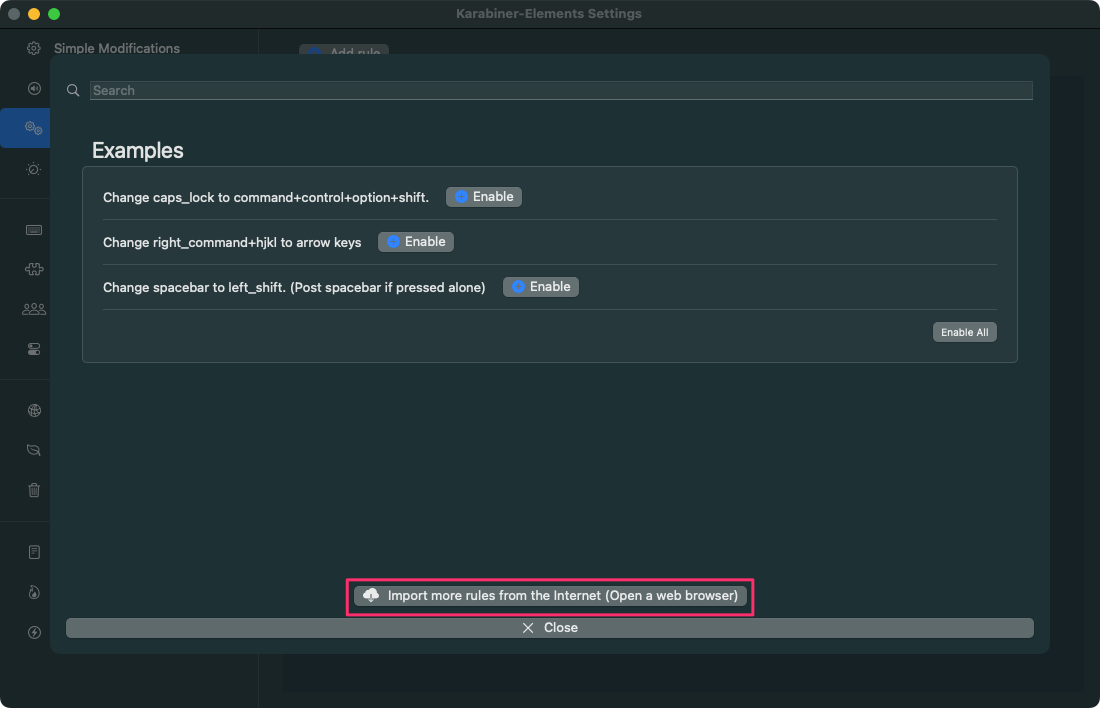
Import more rules from the Internet (Open a web browser) をクリックします。
Step.3
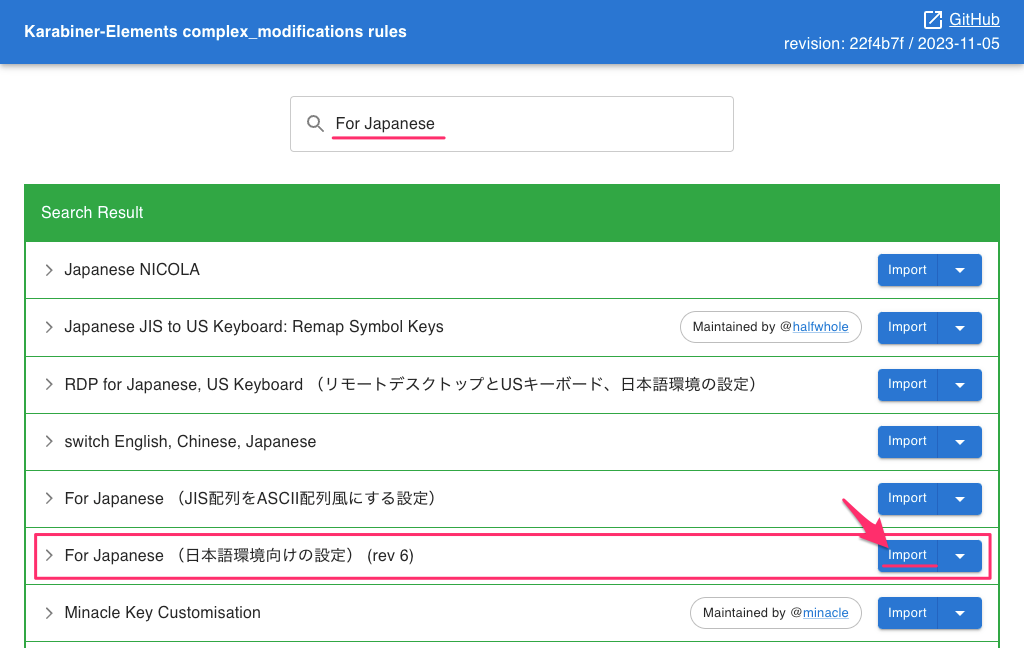
Web ブラウザで開き、Karabiner-Elements のルールダウンロードページが表示されます。 「For Japanese (日本語環境向けの設定) (rev 6)」の隣にある Import をクリックします。
Step.4
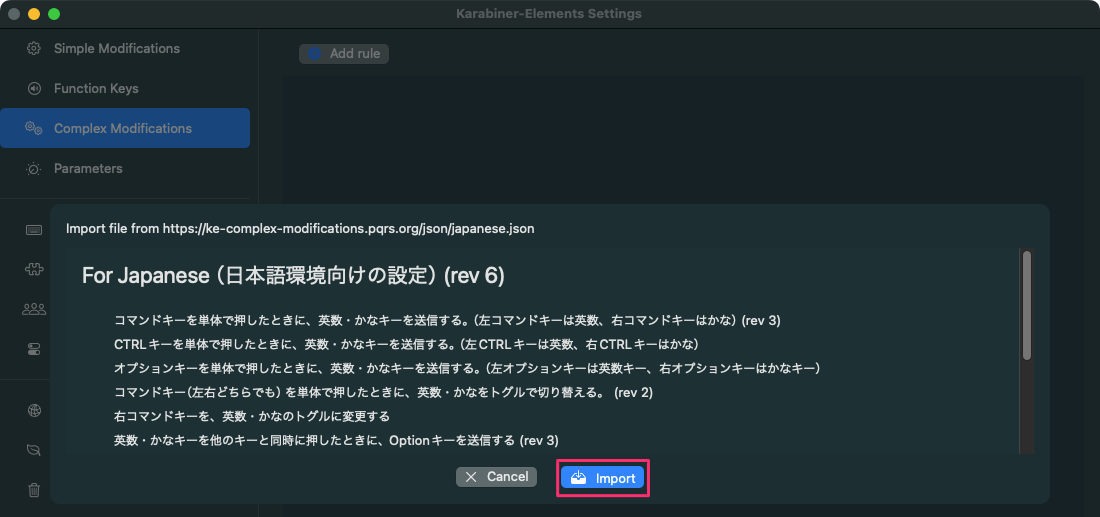
フォーカスが Karabiner-Elements に戻り、ルールのインポート確認が表示されます。 Import をクリックします。
Step.5
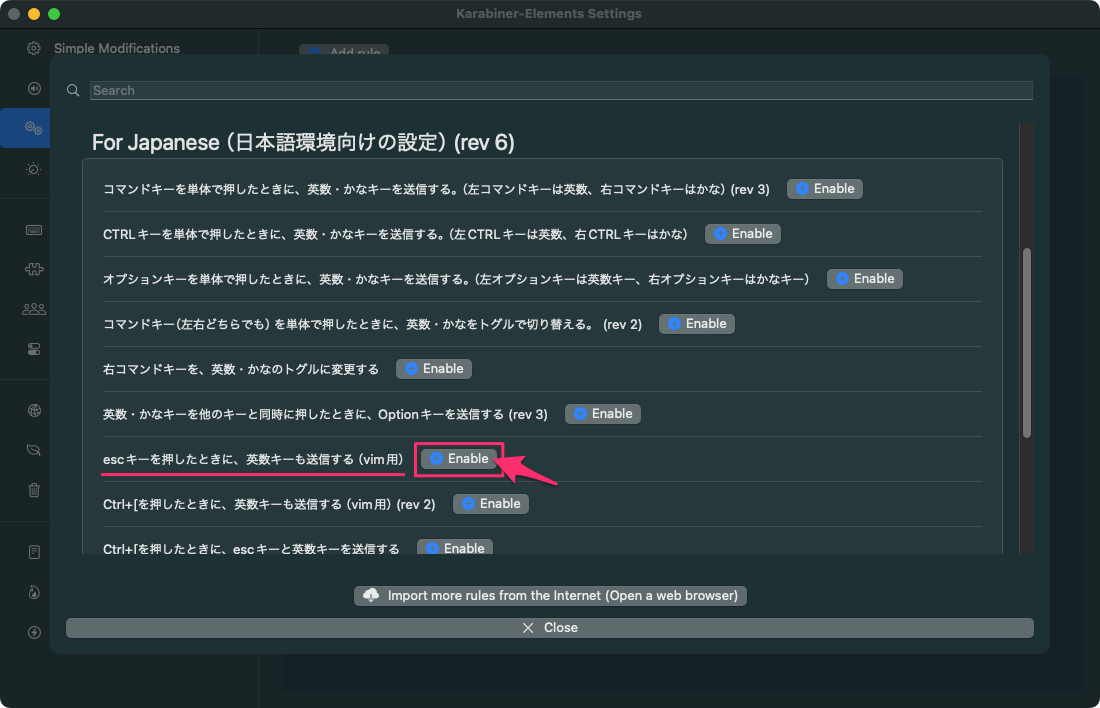
esc キーを押したときに、英数キーも送信する の隣にある Enable をクリックします。
Step.6
これでルールがインポートされました。 以降は Esc を押すと自動的に「英数」キーも送信され、自動的に半角に戻ります。

Karabiner-Elements 設定ファイルに追記された内容
Karabiner-Elements の設定ファイルは ~/.config/karabiner/karabiner.json です。
{
    "global": {
        "ask_for_confirmation_before_quitting": true,
        "check_for_updates_on_startup": true,
        "show_in_menu_bar": true,
        "show_profile_name_in_menu_bar": false,
        "unsafe_ui": false
    },
    "profiles": [
        {
            "complex_modifications": {
                "parameters": {
                    "basic.simultaneous_threshold_milliseconds": 50,
                    "basic.to_delayed_action_delay_milliseconds": 500,
                    "basic.to_if_alone_timeout_milliseconds": 1000,
                    "basic.to_if_held_down_threshold_milliseconds": 500,
                    "mouse_motion_to_scroll.speed": 100
                },
                "rules": [
                    {
                        "description": "escキーを押したときに、英数キーも送信する(vim用)",
                        "manipulators": [
                            {
                                "from": {
                                    "key_code": "escape"
                                },
                                "to": [
                                    {
                                        "key_code": "escape"
                                    },
                                    {
                                        "key_code": "japanese_eisuu"
                                    }
                                ],
                                "type": "basic"
                            }
                        ]
                    }
                ]
            },